Your Google Listing Is Your Holiday Storefront: A Chattanooga Owner's Afternoon Checklist

Nate Sanden
Founder & CTO
October 25, 2026
Published
Every November I watch the same thing happen. A local shop spends a few hundred dollars on holiday signs, a new window display, maybe a Facebook post or two. And then a customer pulls out a phone, searches the business name, and finds a Google listing that says the place closes at 5 on a day it is open until 8. Or worse, a listing with Thanksgiving hours nobody ever updated, so it shows the doors open on a day they are locked.
That customer does not call to check. They just go somewhere else. You never find out it happened.
I build websites and run marketing for small businesses here in the Chattanooga area, and I will tell you where I think most of the holiday money gets wasted: on everything people can see in person, while the thing people actually see first, your Google listing, sits there with whatever you typed into it three years ago.
So this post is a checklist. It is the stuff I would do if I owned a restaurant, a salon, a boutique, a plumbing company or a gym in Chattanooga and had a free afternoon before the holidays hit. None of it is expensive. Most of it is free. And almost none of it needs a marketing person, which is sort of the point.
Your Google listing is the storefront now
Here is the plain version of how people find a local business. They pull out a phone and search for what they need, "pizza near me" or "emergency plumber Hixson" or "gift shop Northshore". Google shows a map and a short list of businesses. Each one has a name, a star rating, hours, a phone number, a few photos. People tap one. Many of them never visit your website at all. They read the listing, decide, and either call, tap for directions or move on.
That listing is called your Business Profile. If you have never claimed or touched yours, it is probably still there anyway, built from whatever Google scraped together about you, and it may be wrong in ways you do not know about.
So the first step is boring and necessary. Search your own business name on your phone, the way a customer would. Look at what comes up. Not what you think is there. What is actually there. Check the phone number, the address, the website link, the category, the hours, and the photos. Read the last ten reviews. I have done this for people who were sure everything was fine, and about half the time we find something wrong in the first two minutes: an old phone number, a photo of the previous tenant's storefront, a "permanently closed" label that someone slapped on by mistake.
If you cannot log in to manage the listing, that is the first problem to fix, before the holidays, because it can take a while to prove you own the place and get access. Google has to verify that you own the business, and that step can take a few days. Do not wait until the week before Thanksgiving to find out you are locked out.
And if you are not sure who set it up, check with whoever built your website or a past employee. A surprising number of listings are owned by a former employee's personal Gmail account, and nobody remembers until that person is gone. Get your own account added as an owner now.
Holiday hours: the five minute job that saves the most money
If you only do one thing from this whole post, do this one.
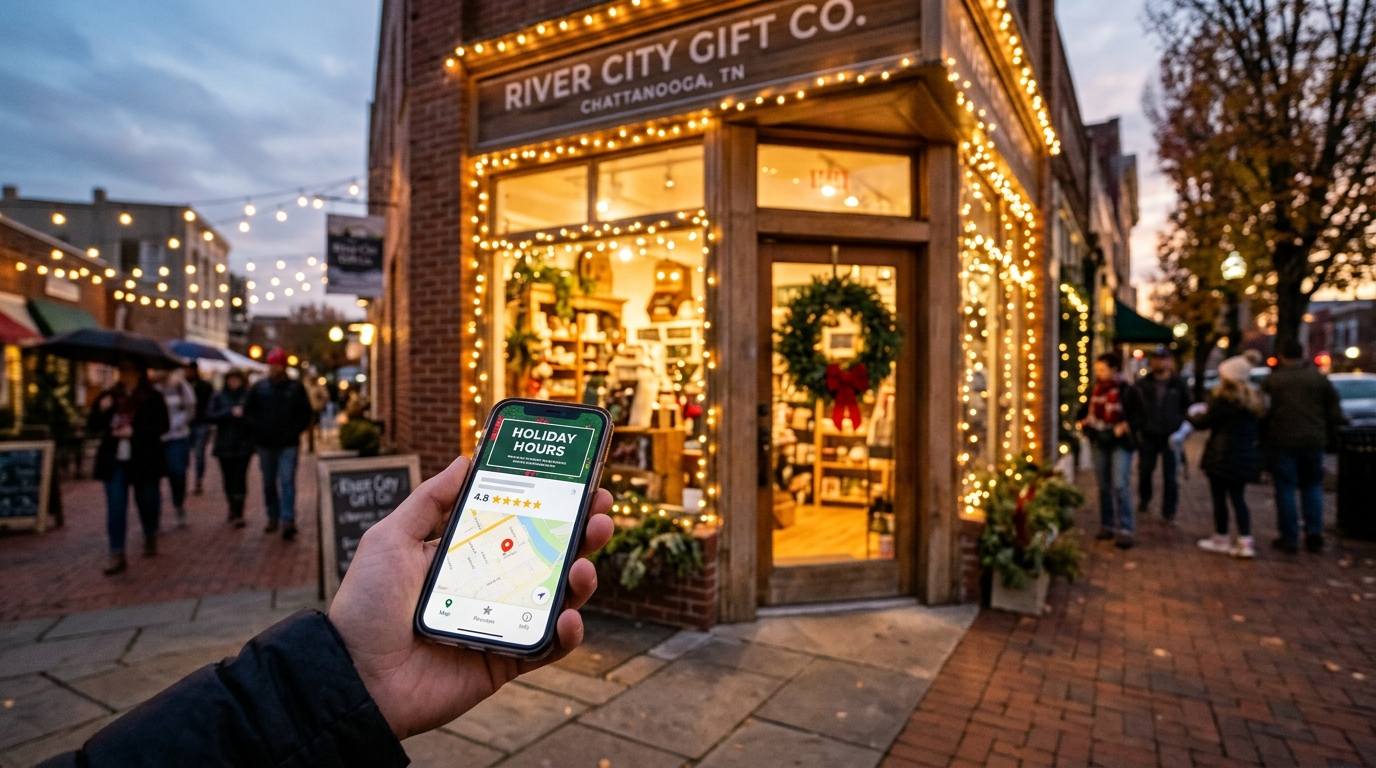
Google has a feature called special hours. It lets you set different hours for a specific date without touching your regular weekly schedule. You use it for Thanksgiving, Christmas Eve, Christmas Day, New Year's Eve, New Year's Day, any day you close early for a staff party, any day you open late because of an event downtown. Google's own help page also says to confirm your hours for the official holidays even when they match your normal schedule, because it tells customers the listing is accurate, and I agree with that.
The steps are not complicated. Open your Business Profile, go to the hours section, and next to special hours click the pencil. Pick the date, set the hours or leave it marked closed, and save. That is it. Do it for every holiday date that matters to you, and do it now, not on the morning of.
A few things I have seen go wrong.
First, special hours only show when the listing is set as open with its regular hours. If you marked the place temporarily closed for some reason and forgot, your holiday hours will not appear. Check that the main status is right.
Second, special hours are meant for short, specific changes. If you are closing for a longer stretch, like a week or more over the winter, Google has a separate setting for temporarily closing the business. Use the right tool for the job.
Third, and this one costs people the most, your hours need to match everywhere. If Google says you close at 6 on Christmas Eve, your Facebook page says 4, and your website footer still says "Mon to Fri, 9 to 5", you have three answers to one question. Customers trust whichever one they saw first and get angry at you when it is wrong.
So make a short list of the places your hours live: Google, Facebook, your website, Apple Maps, Yelp if you use it, any delivery app, and the sign on the door. Update all of them in one sitting. Write the holiday schedule down once, in plain text, and copy it into each place so they cannot disagree.
If you run a Chattanooga restaurant, I would go one step further. Call your own number from a different phone and listen to the voicemail greeting. If it says "we are open until 9" and it is a closing early night, fix that too. The phone is a part of your listing whether you think of it that way or not.
Reviews: ask, but ask the right way
December is when a lot of people leave reviews, because they just had a good experience at a holiday dinner, a gift they bought, a haircut before a family photo. If you do not ask, many of them will not say anything. A steady flow of recent reviews is one of the clearest signals to a stranger that you are open, you are real, and people like you.
So yes, ask for reviews. But there are rules, and I would follow them, because the downside is real.
Google's policy on this is written in plain language. Reviews that were posted because a business offered payment, discounts or free products or services are "incentivized or biased" and Google says they are not allowed and will be removed. You also cannot selectively solicit positive reviews, meaning you ask the happy customers and skip the unhappy ones, and you cannot discourage or prohibit negative reviews. What you can do is ask real customers for genuine reviews, without offering anything for it and without trying to steer the rating or what they write.
That rules out some things I see small businesses do every holiday season. A "leave us a 5 star review and enter to win a gift basket" sign by the register is a no. A "show us your review and get 10 percent off" is a no. Even the common trick of texting everyone "how was your visit?" and only sending the Google link to the ones who reply with a smile is the kind of filtering Google says it does not want.
And it is not only Google. The Federal Trade Commission has a rule on fake reviews and testimonials that took effect in October 2024. It bans buying or selling fake reviews, including AI generated ones, and it bans paying for reviews with a set sentiment, positive or negative. It also covers threatening or intimidating people to suppress negative reviews, and the FTC can seek civil penalties against people who knowingly break it. I am not a lawyer and this is not legal advice. But I read the rule, and the plain read is that a small business with a stack of fake five star reviews has a bigger problem than a Google takedown.
So what does work? Something dull and honest. Ask everyone, not only the people who seem happy. Ask at the moment it makes sense: right after you finish the job, right after someone says "this was great." Make it easy with a short link or a QR code on the receipt, on a small card, on a counter sign that says, in your own words, "If we did a good job, a Google review helps a lot." Then reply to the reviews you get. All of them, including the bad ones, calmly and briefly. A thoughtful reply to a one star review does more for the next customer reading it than the review does against you.
Photos: your listing is a window display
Open your listing and look at the photos. Not the ones you uploaded, the ones that show up. Many listings have a blurry shot from a customer that makes the place look a lot worse than it is.
You can upload your own photos, and you should, right before the holidays. A clear photo of the front of the building matters more than people think, because it is how a first time customer recognizes the place when they are driving down Brainerd Road at dusk looking for it. Add a couple of the inside. Add photos of what you sell, or of the work you do, or of the people. Real ones, taken on your phone in good light, beat a stock photo every single time. Customers can tell.
If it fits your business, add a holiday touch. Lights on the storefront, the seasonal menu, the gift display, the truck with the wreath on the grille. Nothing fancy. Just proof that somebody is home and the place is alive this month.
One practical tip: take them on a phone held sideways, in daylight if you can, and look at the file before you upload. It takes ten minutes. I keep a folder on my phone just for client photos, and I like to refresh a business's set twice a year.
Posts, offers and the little details people miss
Your Business Profile lets you add updates, which are short posts with a photo that appear right on your listing. Think of them as a tiny sign in the window. A holiday hours post. A new seasonal item. A "last day to order for Christmas delivery" notice. They do not need to be clever.
I will be straight with you: I would not spend hours on this. One short, useful post a week during the busy season is plenty. The point is that someone who lands on your listing sees something current instead of a profile that looks abandoned.
Then there are the small details that quietly cost people customers.
Check your categories. Your main category tells Google what you are, and getting it wrong, "restaurant" when you are really a "bakery", changes who sees you. Check your services or product list if your category lets you add one. Check the attributes, things like wheelchair accessible entrance, outdoor seating, online appointments, offers delivery. Customers filter on these. If you take walk ins, say so. If you need an appointment, say so, and link to the booking page.
Check the link to your website. This sounds silly, but I have seen listings pointing to a page that no longer exists, a dead domain, or a website that does not load on a phone. If you send people to a page, test the link yourself on your phone, on cellular, not your office wifi. That is the experience a customer is having.
If your business does not have a website at all and relies on a Facebook page, I wrote about that tradeoff earlier this year and the short answer is that you do want one, even a simple one, because the listing links somewhere and where it links matters.
Your website is the thing the listing sends people to
Once someone decides to tap through from the listing, your website has about five seconds to give them what they came for. During the holidays, what they came for is almost always one of four things: your hours, your address, a way to call or book, or a price or product.
So go to your own site on your phone and ask yourself four questions. Can I find the hours without scrolling past a hero image and three paragraphs of company history? Do the holiday hours say what the listing says? Is the phone number a tap to call link? Does the page load in a couple of seconds on a normal connection?
If the answer to any of those is no, that is the afternoon project. Put the holiday schedule in a banner at the top of the home page, in plain words. Make the phone number a link. Take down the "Welcome to our website" slider that nobody reads. If you have an online form, submit it yourself and check that the message actually reaches someone. I have run into contact forms that had been silently broken for months. The owner had no idea, and neither did anyone who tried to use it.
This is also a good time to check the boring technical stuff. Is your site on HTTPS, the little padlock? Does the contact form send email to an address someone actually reads? Is your domain renewal coming due? A domain that quietly expires on December 20 is a nightmare, and it happens to small businesses more often than you would think. Look up the renewal date and turn on auto renew.
Watch out for the holiday scams aimed at business owners
This is the part where my other hat comes in, because scammers love this time of year as much as shoppers do, and they know small business owners are busy and distracted.
A few I would watch for. A call or email saying your Google listing is about to be removed, or marked closed, unless you pay or "verify" right now. A message that creates a deadline and asks for a payment or a login is the red flag. Same for a vendor invoice you do not recognize, a "domain renewal notice" from a company you have never heard of, or an email that claims to be from a platform you use and wants you to click through and sign in. If you want to check a real account, close the email, type the address into your browser yourself, and log in there. Never use the link in the message.
Then there is the fake review shakedown. Someone contacts you offering to remove bad reviews for a fee, or threatening to post a flood of bad ones unless you pay. Do not pay. Report the reviews through Google and keep the messages. And the one aimed at your staff: a text that looks like it comes from you or the owner asking an employee to buy gift cards for a client. If your business has staff, tell them now that you will never ask for that over text. It takes thirty seconds and it saves real money.
Take the same precautions at home. I wrote earlier this fall about AI voice cloning scams, the ones where a call sounds exactly like a family member in trouble. Set a family safe word before the holiday travel and the late night phone calls start.
Here is the whole thing in an afternoon
If you want the short version, this is what I would do, in this order, with a cup of coffee and your phone.
Search your business name on your phone and look at what a customer sees. Make sure you can log in and manage the listing. Set special hours for every holiday date. Match your hours on your website, Facebook and any other place they appear. Add a few real photos. Make sure your categories, attributes and website link are right. Start asking every customer for an honest review, with no rewards attached, and reply to the ones you get. Put the holiday schedule on the top of your website in plain words. Look at your domain renewal date. Warn your staff about gift card texts.
That is it. No agency required, no monthly fee, no tool to buy. Most of it you can do in an afternoon, and it will do more for your December than another round of holiday ads.
And if you get partway through that list and decide it would be nicer to hand it off, that is what I do for a living. I build and manage websites and local marketing for small businesses in Chattanooga and the surrounding area, and I am glad to take a look at your listing and your site and tell you honestly what I would fix first. You can reach me through the contact page on this site.
But try the afternoon version first. I think you will be surprised how much is sitting there, wrong, waiting to cost you a customer.
Ready to Get Your Business Found Online?
Let's set up your complete online presence—website, Google, and Facebook—working together to get you customers